Connect your AI
Your own AI. Your real numbers.
Connect your own Claude account to SME AI Office to ask questions about the business records you can access. The connection is included on every plan; you need a Claude plan that supports connectors.
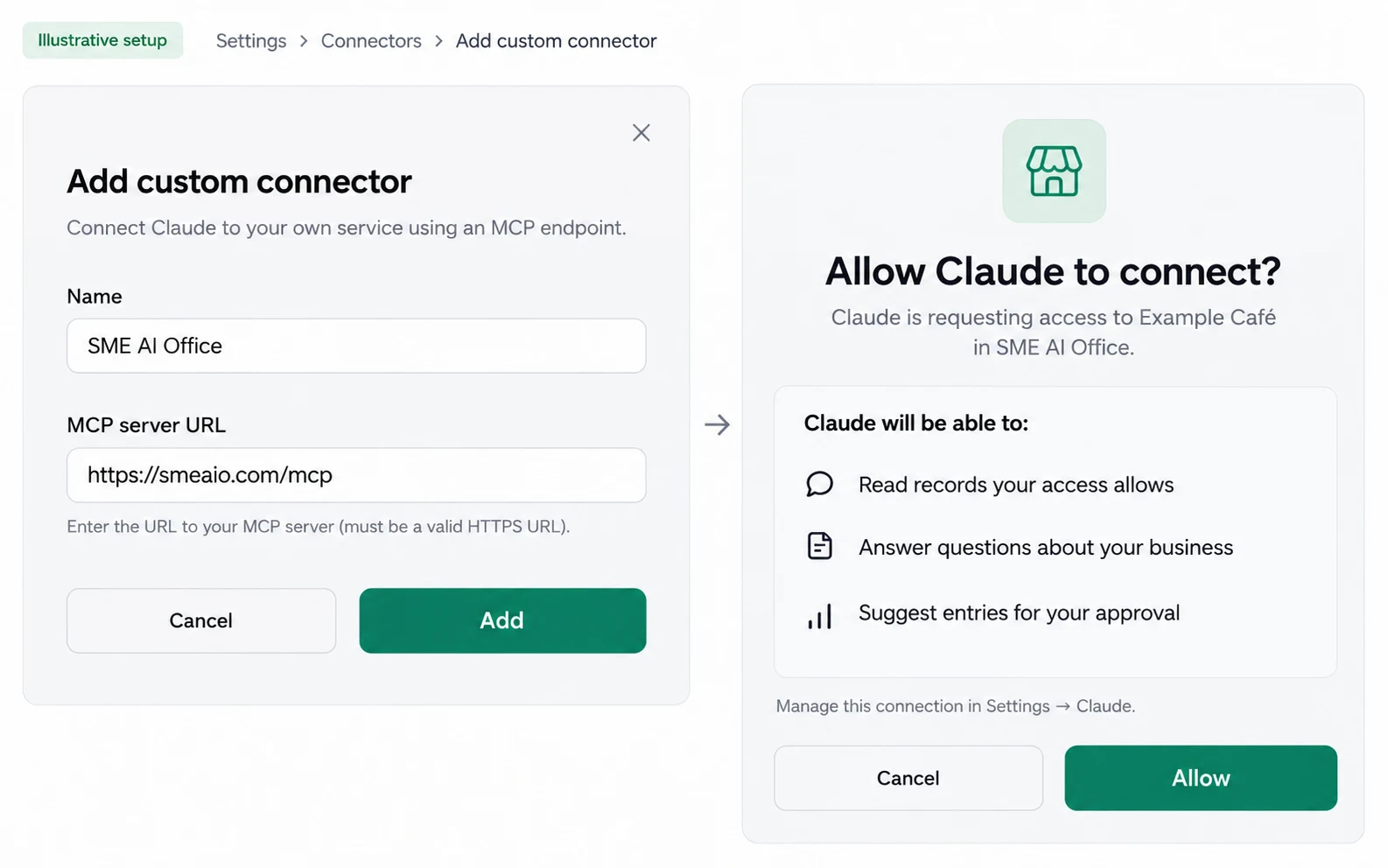
Add smeaio.com/mcp in Claude, sign in, press Allow.
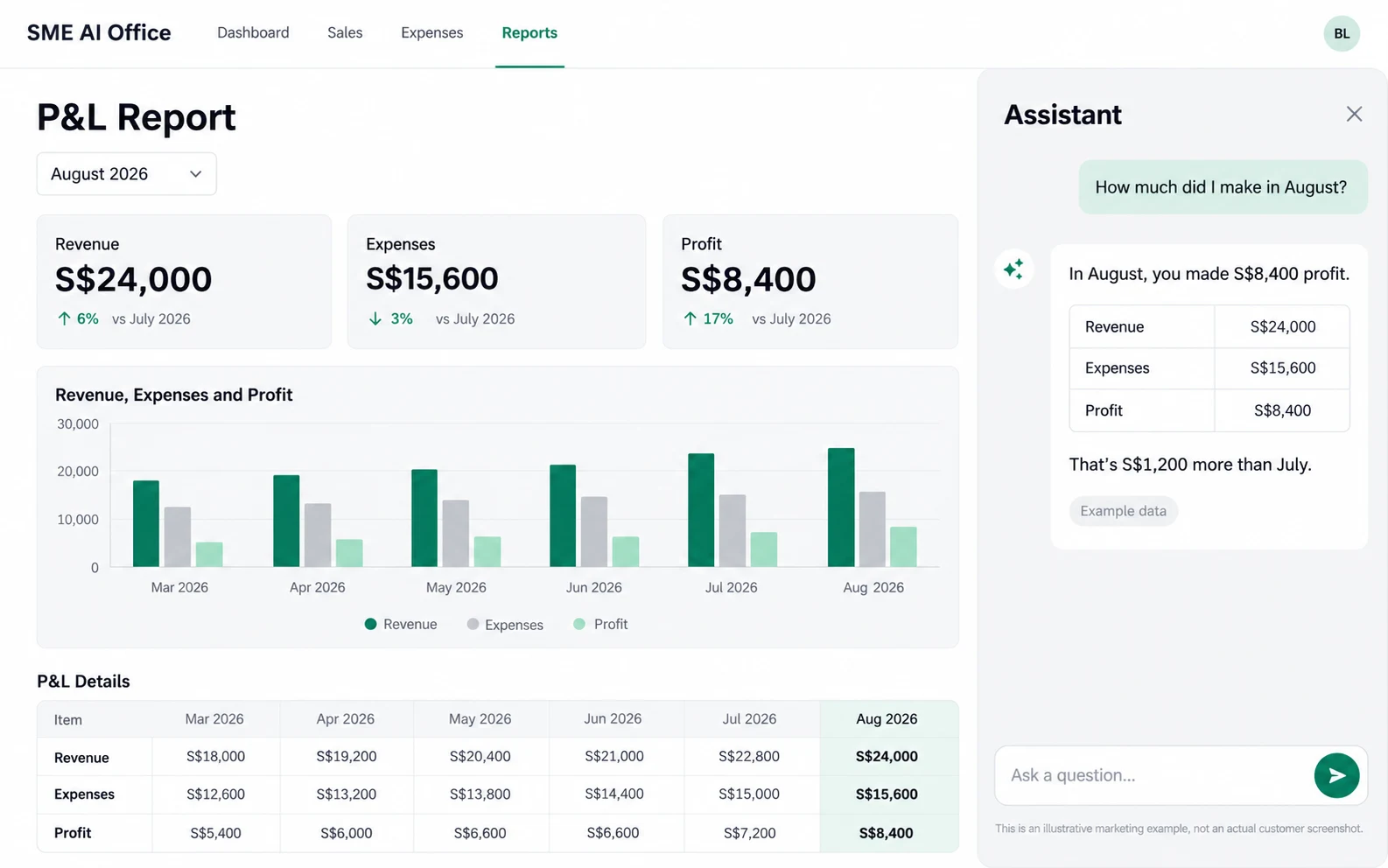
It reads your P&L, GST, invoices, payroll, orders and stock.
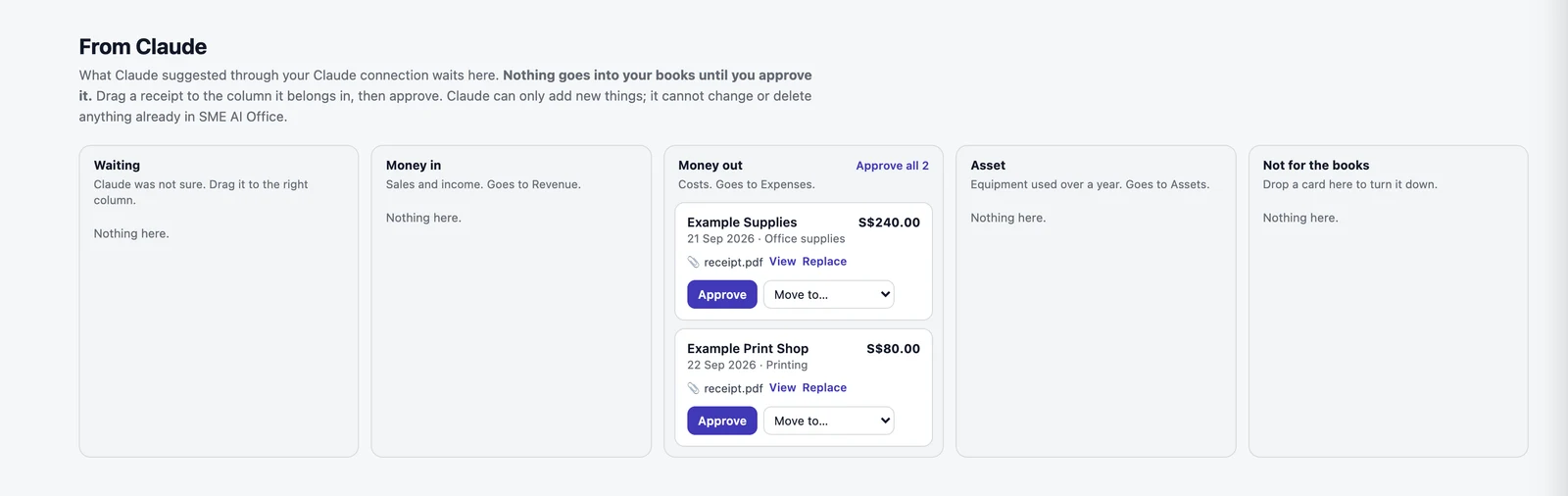
It suggests receipts and invoices. You approve.
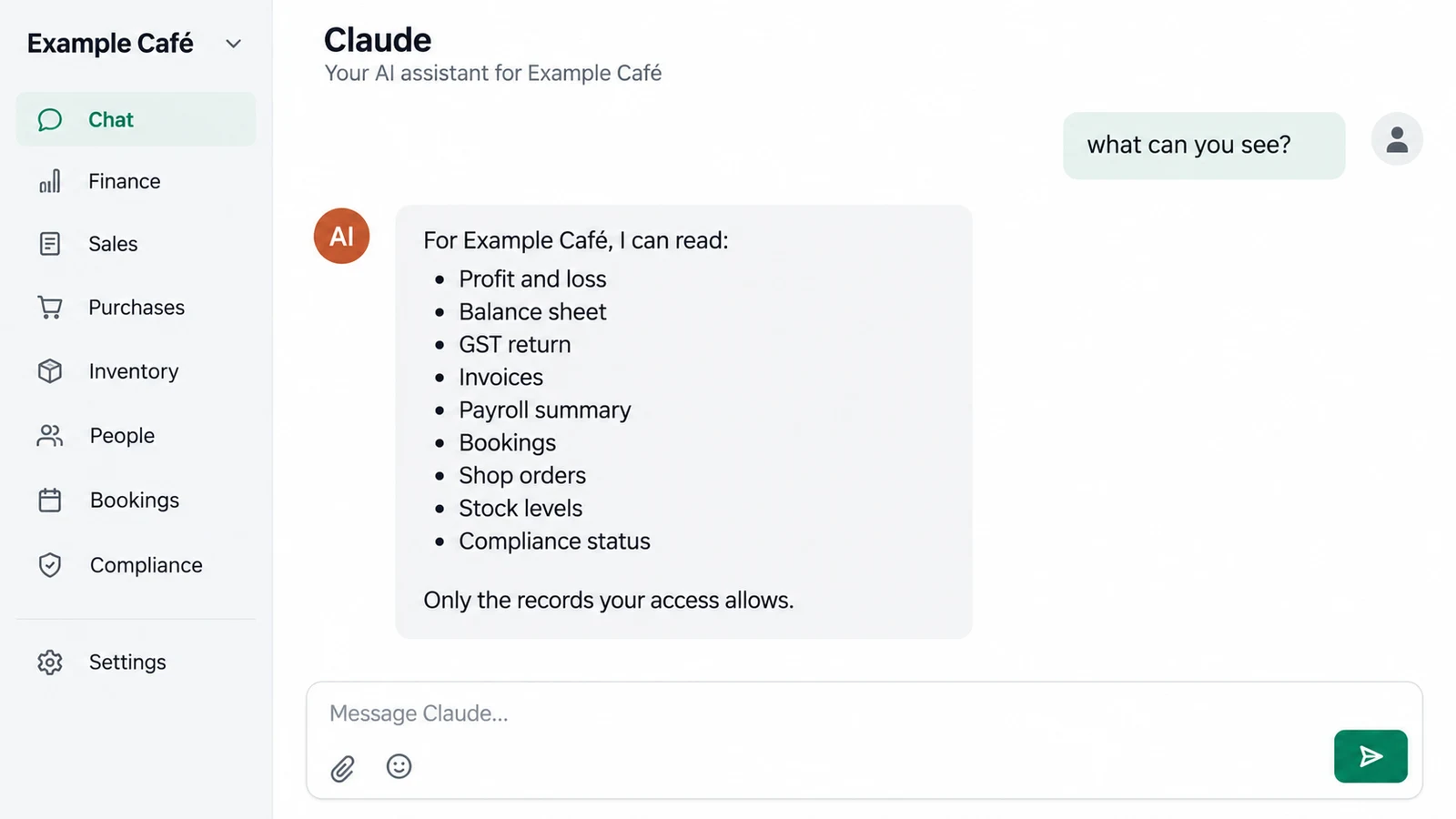
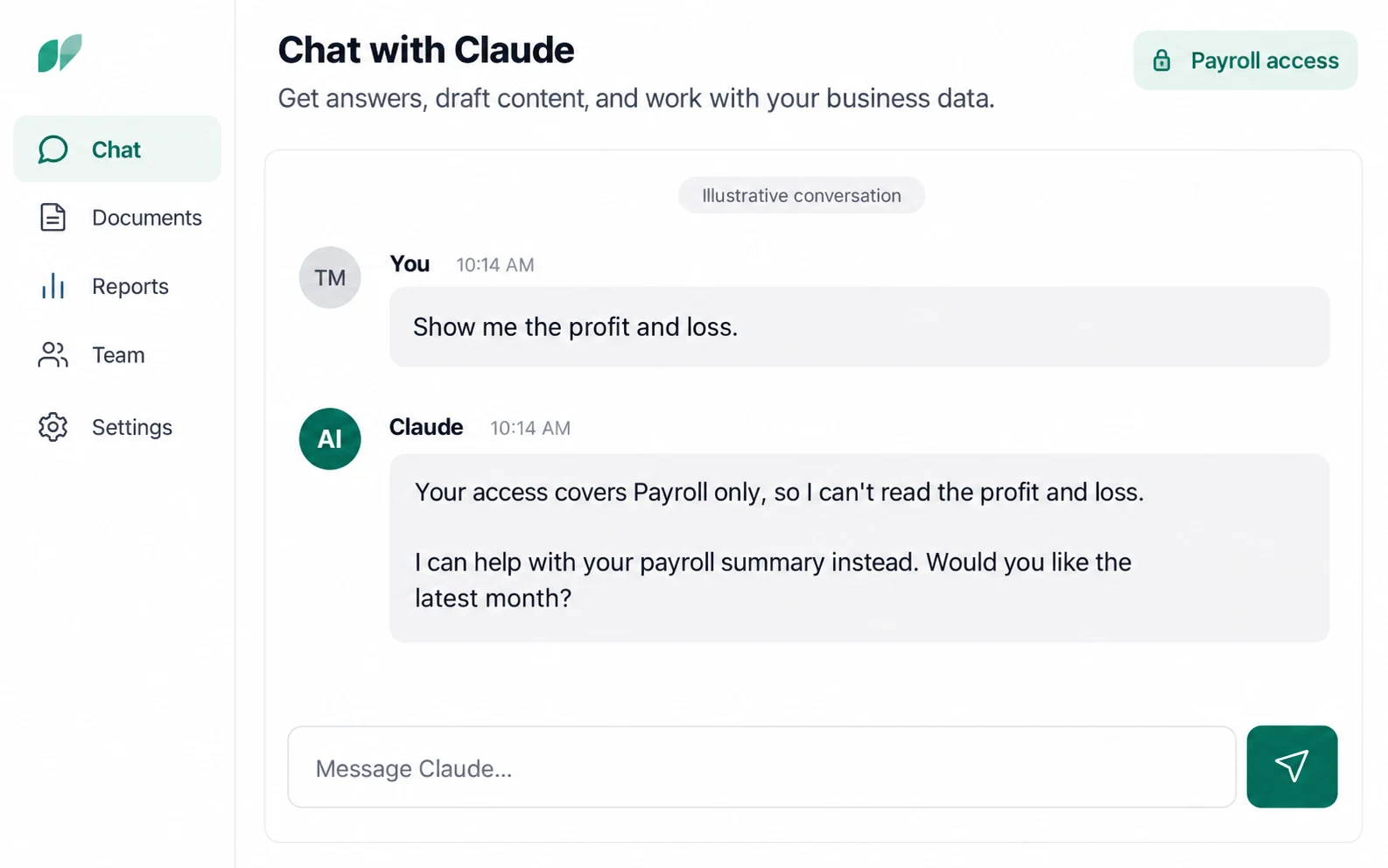
A team member’s AI sees only what they can.
Included on every plan, Free too. You need your own Claude plan that allows connectors.
Claude is the only AI app today; others are built on request. Disconnect in Settings and it stops straight away. How to connect, step by step.
Questions
Can I connect my own AI to my Singapore business’s accounts?
Yes. SME AI Office connects to Claude. Add smeaio.com/mcp as a connector in Claude, sign in to SME AI Office and press Allow. Claude can then answer questions from your real profit and loss, GST, invoices, payroll, orders and stock.
Which AI apps work with SME AI Office?
Claude is the only AI app today. Others are built on request, so tell us on WhatsApp if you use a different one.
Is connecting Claude free?
Yes. Connecting Claude is included on every plan, the Free plan too. You need your own Claude plan that allows connectors. The AI assistant built into SME AI Office is part of Pro 365, S$39 a month or S$365 a year.
Can Claude change my books?
No, not by itself. If you allow it, Claude can suggest receipts, contacts and draft invoices. Each suggestion waits until you approve it, and nothing already in your books can be changed or deleted.
What can a team member’s AI see?
Only what that person can see in SME AI Office. Each connection belongs to one person and one company, and their access is checked every time Claude asks.
How do I disconnect Claude?
Disconnect in Settings and it stops straight away. SME AI Office keeps only the connection, never your questions or Claude’s answers.