Home food
Sell from home. No monthly fee.
Give customers one order link for your home food business. SME AI Office brings together your menu, collection or delivery choices, payments and prep list. Your order page is free, with no limit on orders.
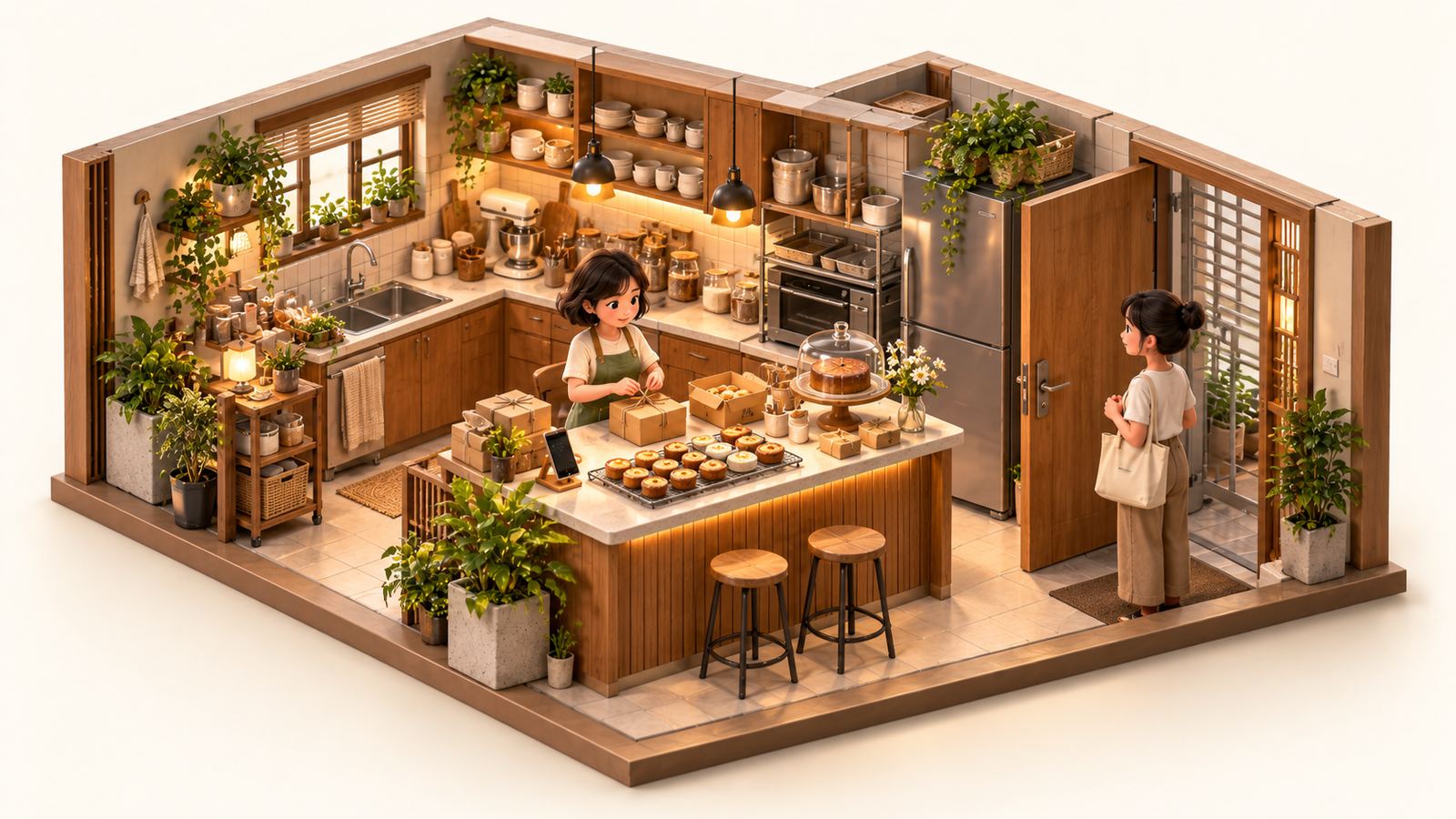
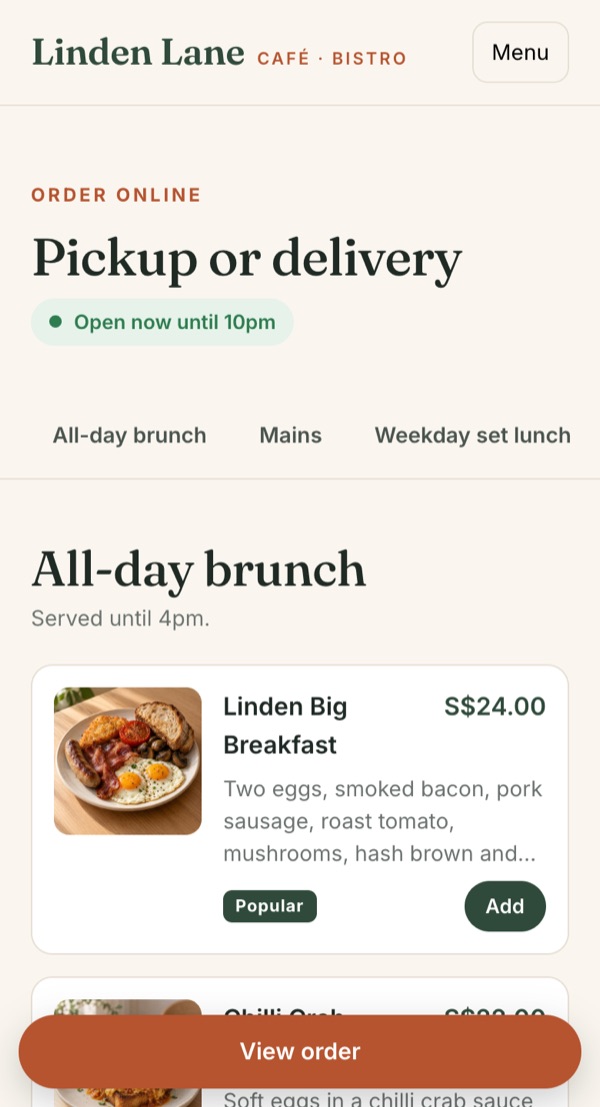
One order link for Instagram, WhatsApp or Telegram.
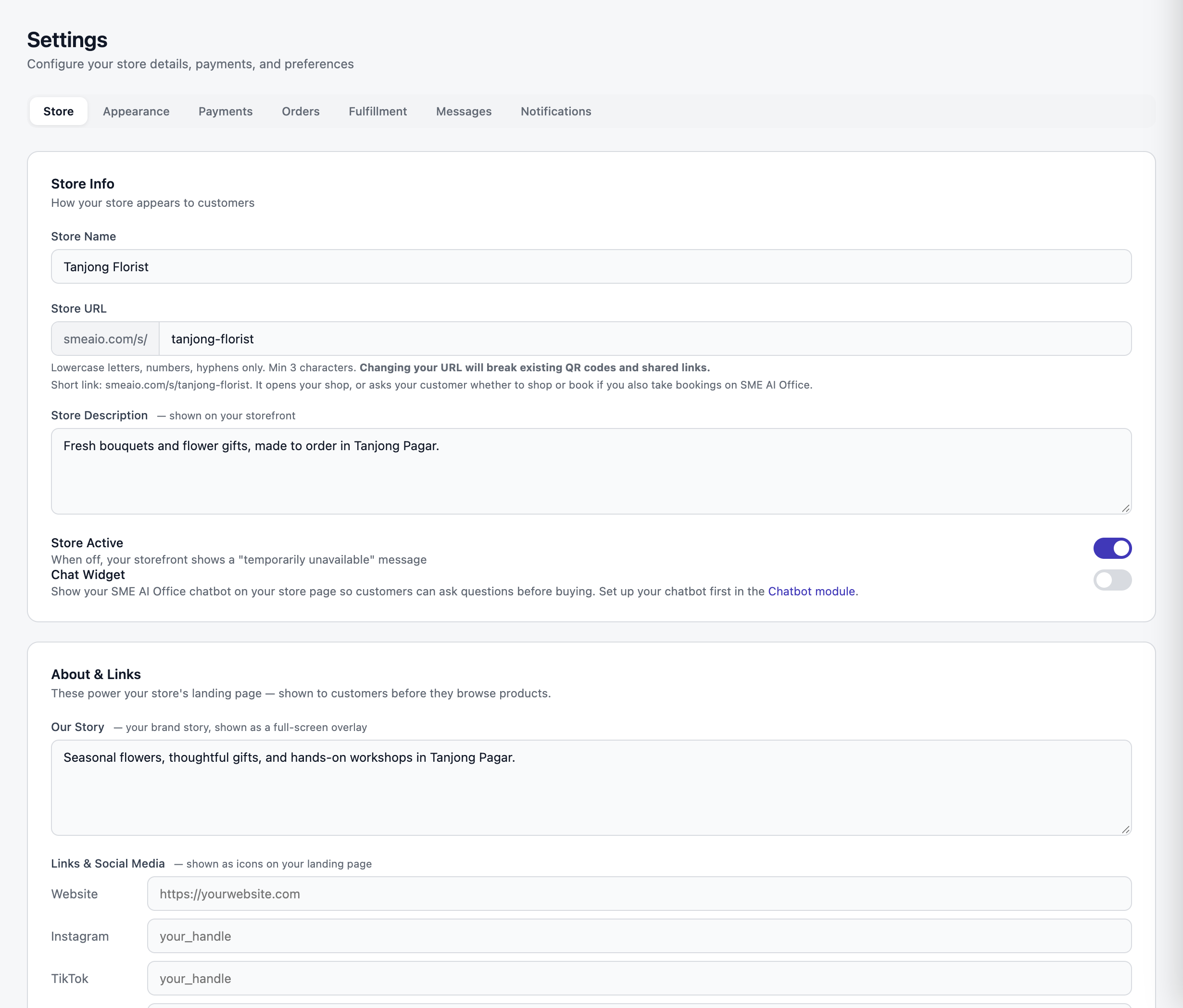
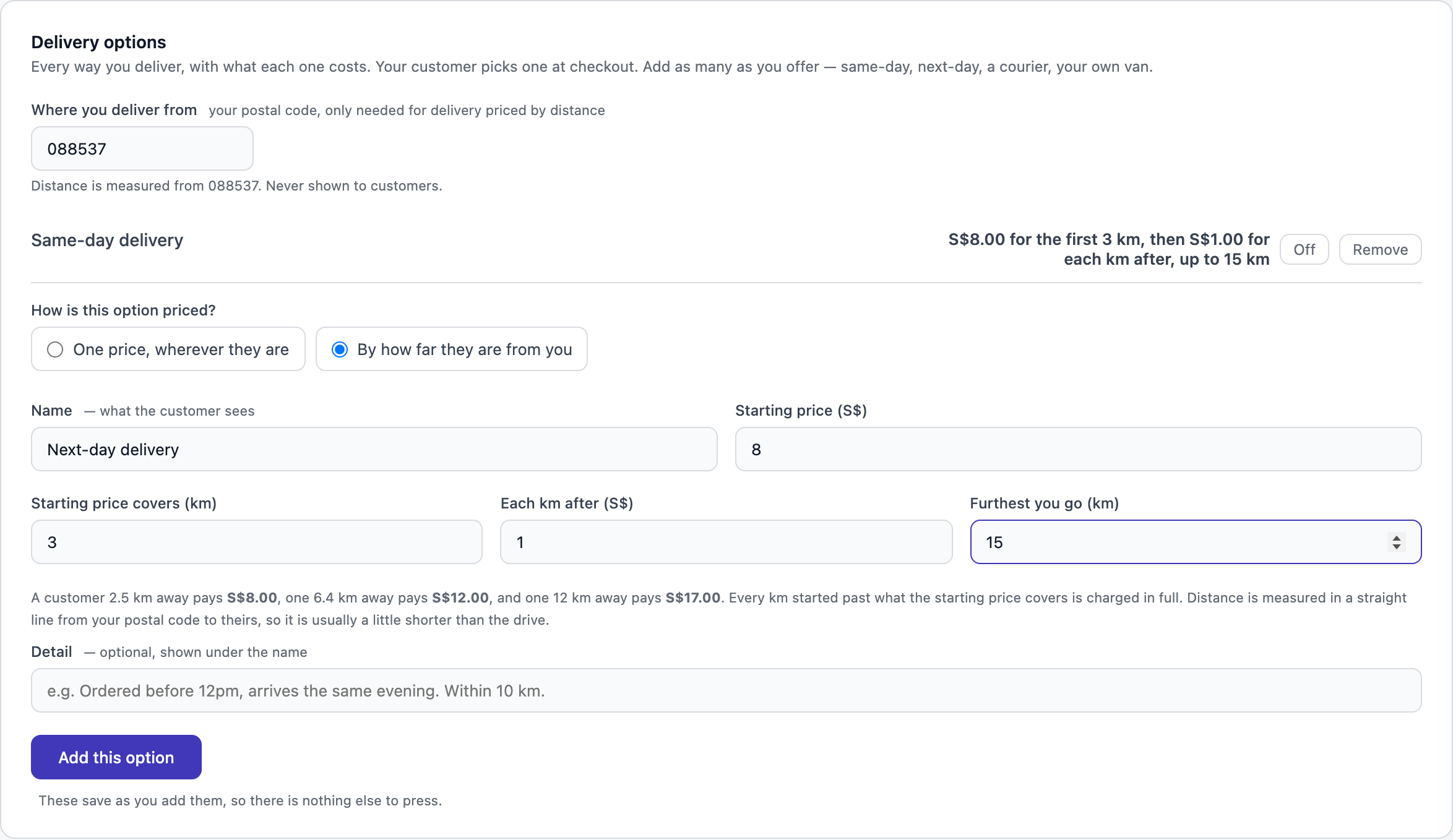
Pickup points and times, or delivery days.
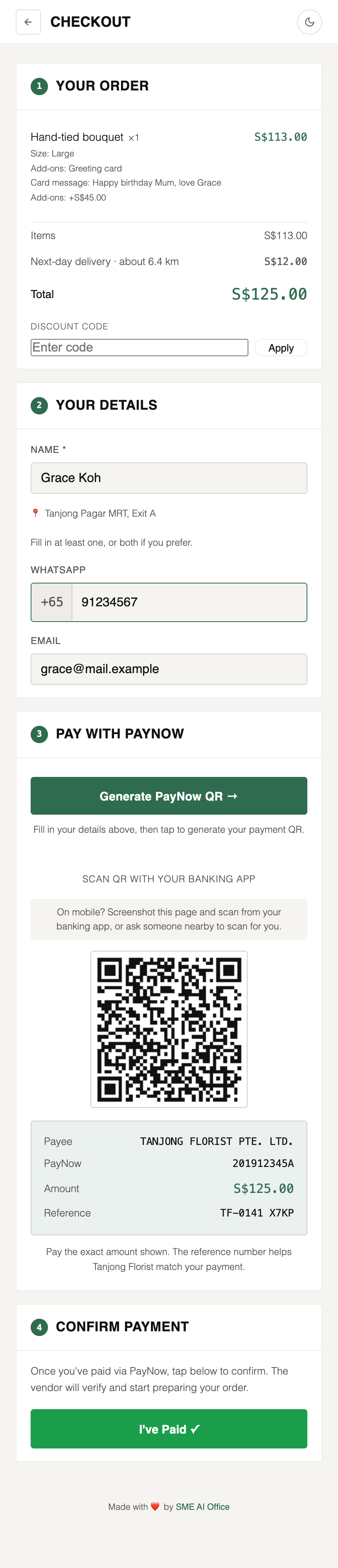
Paid by PayNow or card, straight into your own account.
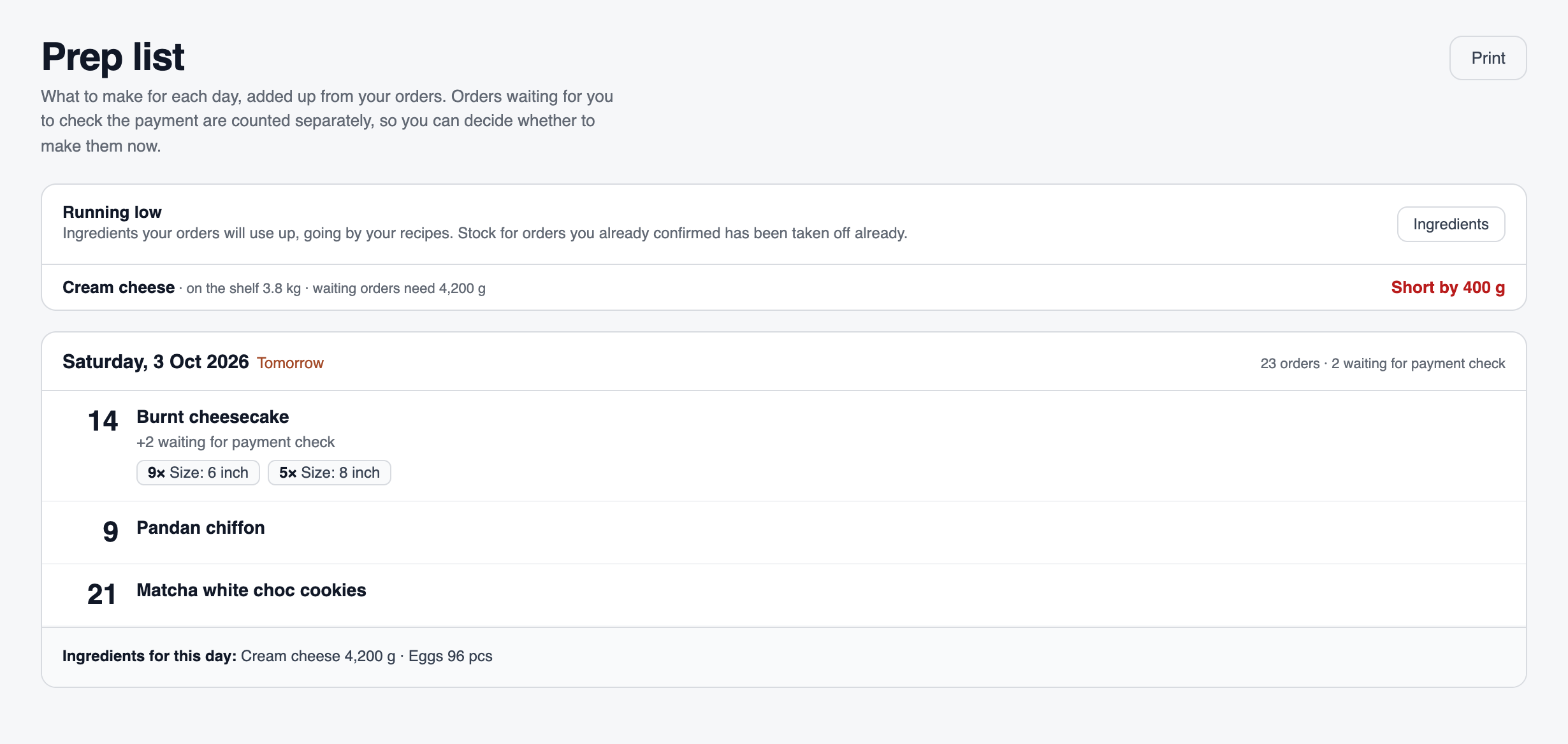
Tomorrow’s prep list, every order and choice added up.
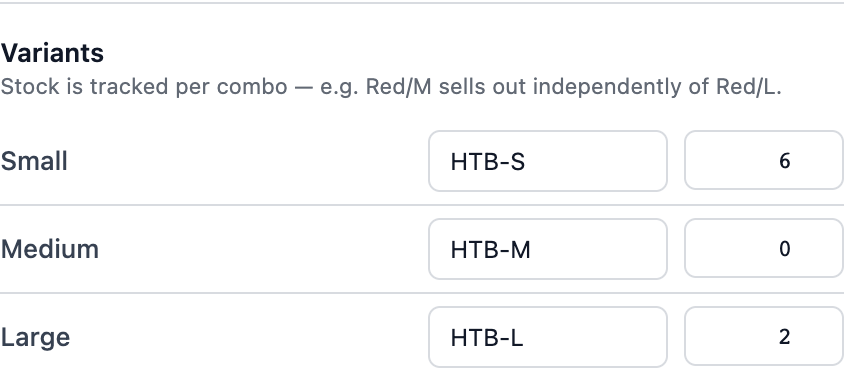
A daily limit per item. Sold out closes itself.
Your order page is free. No monthly fee, no limit on orders.
Need a licence? Read SFA’s rules for home-based food businesses.
Grown into a café? The same system runs the shop.
- The standardYour home kitchen, free
- NextF&B
- AskWhatsApp us
Questions
What does SME AI Office do for a home baker or home food business in Singapore?
It gives a home-based food business one order link for Instagram, WhatsApp or Telegram, pickup points and times or delivery days, a prep list that adds up tomorrow’s orders, and a daily limit per item so sold-out items close themselves. Every sale goes into your accounting by itself.
Is it really free to sell food from home?
Yes. Your order page is on the Free plan: no monthly fee, no card and no limit on orders. Orders paid by your own PayNow QR, bank transfer or cash have no fee at all. Card and PayNow through your own HitPay account carry HitPay’s own fee, and we add nothing on top.
How do my customers pay?
Three ways, and they pick. Your own PayNow QR, which we make with the amount and order number already filled in: no fee. Card or PayNow through your own HitPay account, which confirms the order by itself: HitPay charges its own fee, and we add nothing. Or cash and bank transfer: no fee. The money goes straight to you. Open a free HitPay account.
Can I limit how many I make each day?
Yes. Set a limit per day for each item, like 20 tins. When a day is full, checkout greys it out and the customer picks another day. You can also ask for a few days’ notice, or mark an item sold out in one tap.
Do I need a licence to sell food from home in Singapore?
The rules for home-based food businesses in Singapore are set by the Singapore Food Agency (SFA). Check SFA’s page for home-based food businesses to see what applies to you. SME AI Office gives you the order page, not the licence.
What if my home business grows into a café?
The same system runs a café. F&B adds table bookings, a counter POS with table QR ordering and a kitchen display, all from the same menu as your order page.
Show me a week of orders, from start to finish.
Say you bake pineapple tarts at S$28 a tin, 20 tins a day, collected on Saturdays. You put your order link in your Instagram bio. A customer picks two tins and a Saturday pickup time, then sees a PayNow QR for S$56 with the order number in it; they pay, tap I have paid, and you get an alert. When 20 tins are taken for Saturday, that day greys out at checkout. On Friday the prep list adds up every tin and choice for Saturday, and every sale is already in your profit and loss.
How does it compare with WhatsApp, Instagram, Tabaous or Take App?
We put the ways home sellers take orders side by side, with each price checked and dated: ways to take home food orders in Singapore, compared. In short, chat is fine for a few orders a week; an order page saves the chasing once you have dozens, and ours is free with no limit on orders.
What can it not do?
It brings you no new customers: you share your own link, and there is no directory of sellers. It sends no WhatsApp messages for you; each one is a link you tap with the words already written.